
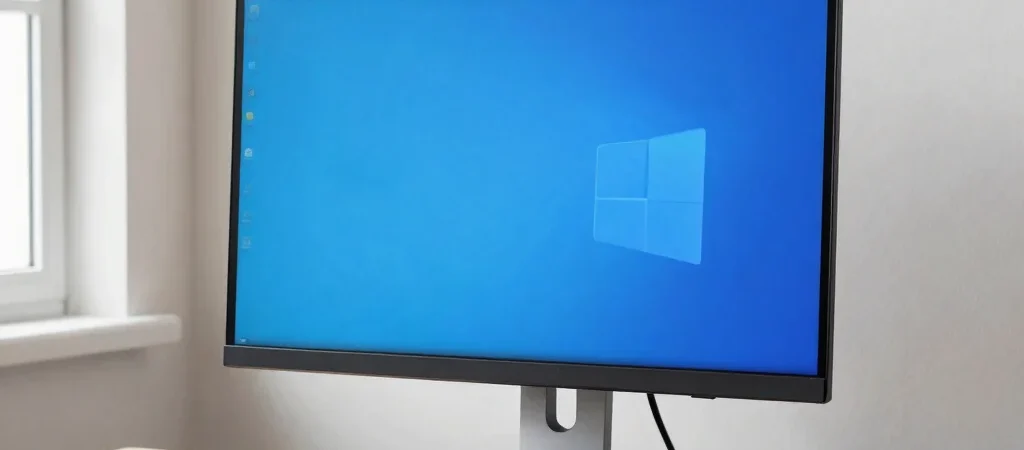
A screen that sits too low can make a tidy desk feel awkward, but the fix is not always a monitor arm. A riser or stand may be simpler, while an arm offers more flexibility and frees up surface area. The right choice depends on your monitor, desk, and how often you change your setup.
What Each Option Adds
A monitor arm attaches to the desk or a compatible mounting point and lets you adjust screen position without moving the base across the surface. Check the mount standard, supported monitor size and weight, adjustment range, and whether your desk can accommodate the clamp or grommet mount. A desk stand or riser is usually more straightforward: place it on the surface, then set the monitor on top.
The Trade-Offs to Compare
An arm’s main advantages are repositioning and the space its smaller base can leave available. Its drawbacks are installation, compatibility checks, and the possibility that a thin or fragile desktop is not suitable for its mounting method. A stand is easier to move and can add a shelf or storage, but it takes up desk space and may offer less adjustment.
Who Each May Suit
Choose an arm if you regularly change screen position, need room beneath the monitor, and can confirm the desk and monitor are compatible. A stand is a sensible pick if you want a simple height change, share the workspace, or would rather avoid mounting hardware. Before choosing either, measure the screen’s height at your seated eye line and check the desk surface and monitor specifications.
A Practical Recommendation
For a fixed setup, start by comparing stands: they solve the height problem with fewer compatibility questions. For a small desk or a setup that changes often, an arm may be worth the extra checks. Some links in this article may be affiliate links, which means Nokib Desk may earn a commission; that does not change the trade-offs or recommendation.


